Tips for Creating a Cozy and Functional Home Office Space
Creating a home office that feels both cozy and functional can significantly boost your productivity and comfort. Whether you work remotely, freelance, or need a dedicated space for managing personal tasks, a well-designed office makes all the difference. Here are practical tips to help you set up a home office that invites focus, creativity, and ease.
Choose the Right Location
Start by finding the ideal spot in your home for your office. Consider these factors:
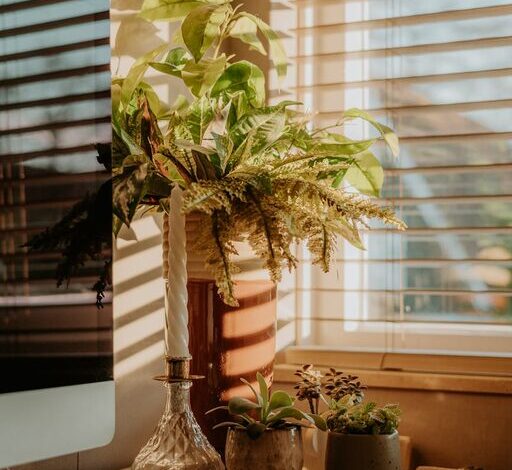
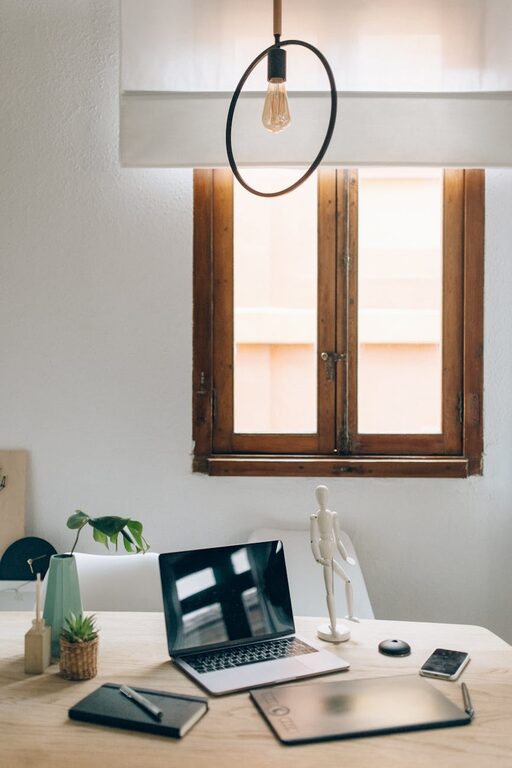
– Natural light: Select a position near a window if possible; natural light improves mood and reduces eye strain.
– Quietness: Pick a quiet corner or room to minimise distractions.
– Space: Ensure there is enough room for your desk, chair, and storage without feeling cramped.
Even small spaces can work well if arranged thoughtfully.
Invest in Comfortable and Supportive Furniture
Your office should offer comfort for extended working hours. Focus on:
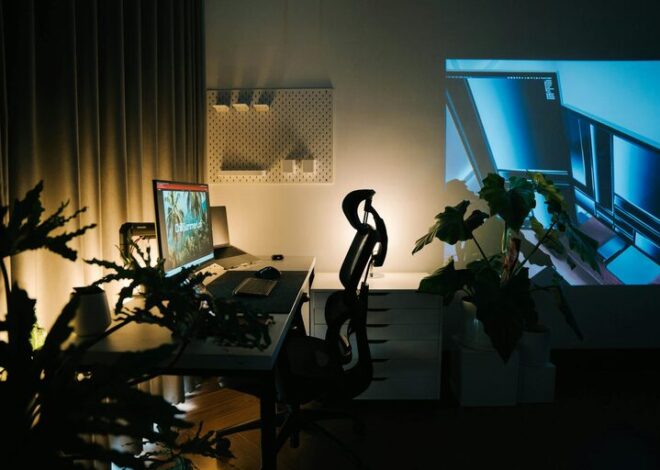
– Ergonomic chair: A good office chair supports your back and encourages good posture.
– Desk size: Choose a desk that fits your work needs and room space. Adjustable desks offer flexibility.
– Storage solutions: Shelves, drawers, or cabinets help keep your space organised and clutter-free.
Comfortable furniture reduces fatigue and helps maintain focus.
Improve Lighting for Productivity
Lighting affects your energy and concentration:
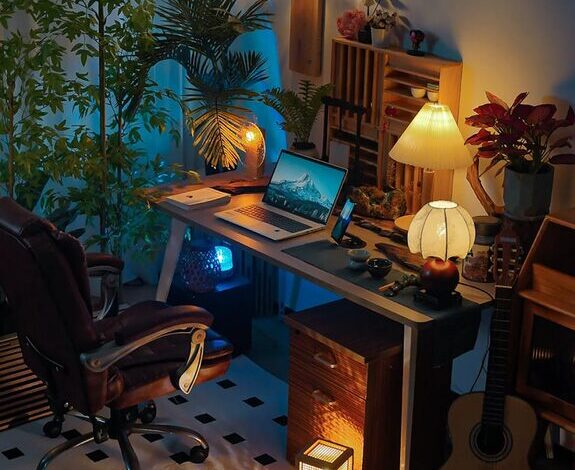
– Layered lighting: Combine ambient (overhead), task (desk lamp), and accent lighting for a balanced setup.
– Avoid glare: Position screens and lamps to prevent reflections.
– Warm color temperatures: Use warmer light tones to create a cozy atmosphere, especially in the evenings.
Good lighting protects your eyes and creates an inviting environment.
Personalise with Decor and Plants
Add touches that make your office feel welcoming and uniquely yours:
– Colour scheme: Choose calming or inspiring colours that help you stay motivated.
– Artwork and prints: Display pictures or inspirational quotes to personalise your space.
– Greenery: Houseplants improve air quality and add life to the room.
Personalising your space boosts your mood and creativity.
Organise for Efficiency
A tidy workspace supports productivity. Tips include:
– Declutter regularly: Keep only what you need handy on your desk.
– Use organisers: Desk trays, pen holders, and drawer dividers streamline your supplies.
– Cable management: Secure cables to keep them neat and prevent tangles.
An organised office saves time and reduces stress.
Manage Noise and Distractions
To maintain focus, control your environment:
– Noise-cancelling headphones: Useful if you cannot control ambient noise.
– White noise machines or apps: These can mask distracting sounds.
– Set boundaries: Communicate your work hours with household members.
Reducing interruptions helps you stay in the flow.
Incorporate Technology Thoughtfully
Technology is essential but should enhance, not overwhelm:
– Reliable Wi-Fi: Essential for smooth work, use a strong router or wired connection.
– Ergonomic accessories: Use an external keyboard, mouse, or monitor for comfort.
– Cable organization: Keep devices charged and cables tidy to avoid clutter.
Choosing the right tech tools supports your workflow efficiently.
Maintain a Healthy Work Routine
Your office setup is only part of a productive day:
– Take breaks: Stand, stretch, or move regularly to avoid stiffness.
– Stay hydrated: Keep water nearby.
– Separate work and rest: When your day ends, close your laptop and step away.
A healthy routine complements your cosy, functional office.
—
Designing a home office that feels comfortable yet promotes productivity is achievable with the right choices. Focus on comfort, lighting, organisation, and personal touches. With these tips, you can create a space where work feels easier and even enjoyable. Happy decorating!